
Trainings in this department
 Coming soon
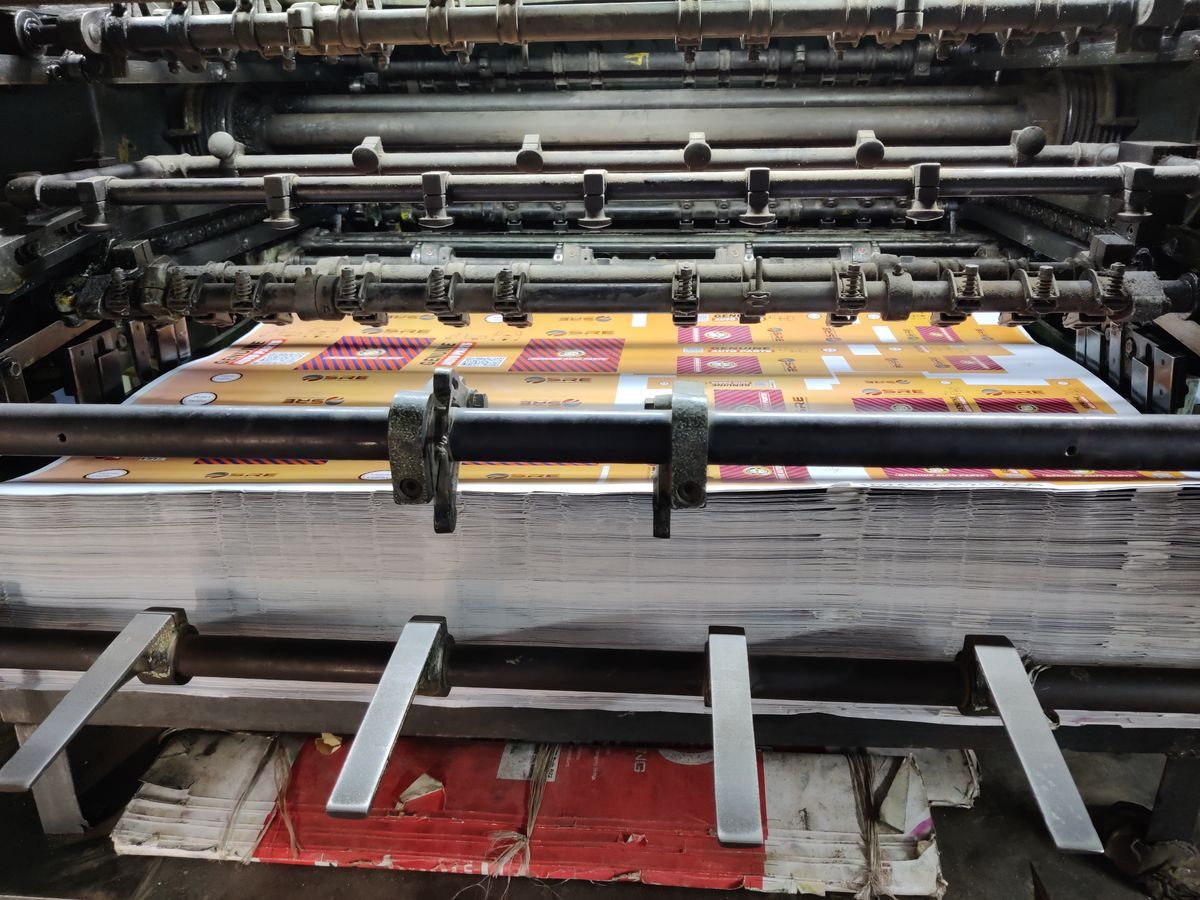
Running a Print Job
Sending the file, loading the material, and watching the print come out: the everyday printing routine.
 Coming soon
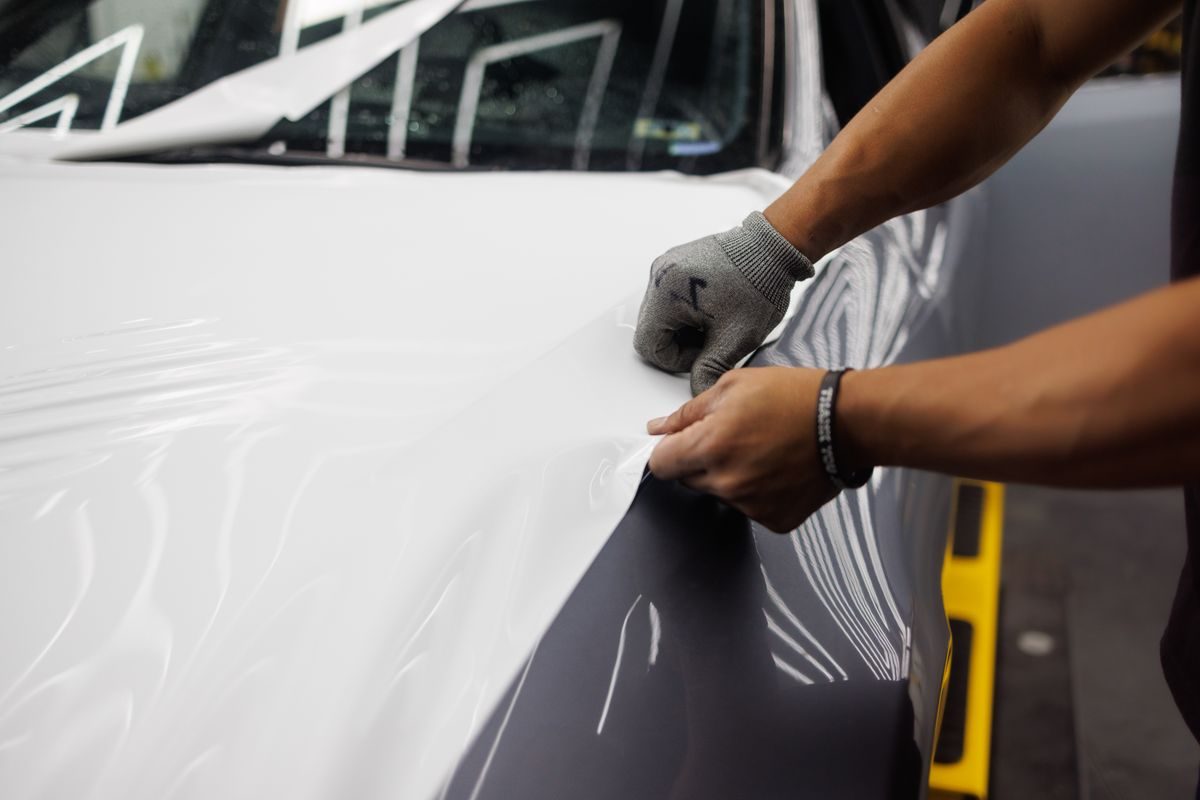
Cutting & Weeding
Kiss cuts and FlexCut on the plotter, then weeding and taping: how cut vinyl gets ready to use.
 Coming soon
Finding Print Files
Print only from 03_Print_Ready in the order's Drive folder (SD-ACCOUNTS). The suffix tells you the file: _PRINT prints, _CUT cuts. If it is not in 03_Print_Ready, do not print it. SD-Active is archive only.
 Coming soon
The Print Queue in SD-Orders
Print jobs land in the Print section of SD-Orders, up on the floor screen. When a job is printed, set the next status: Ready for Production, Ready for Install, or Completed.
Machines & Equipment
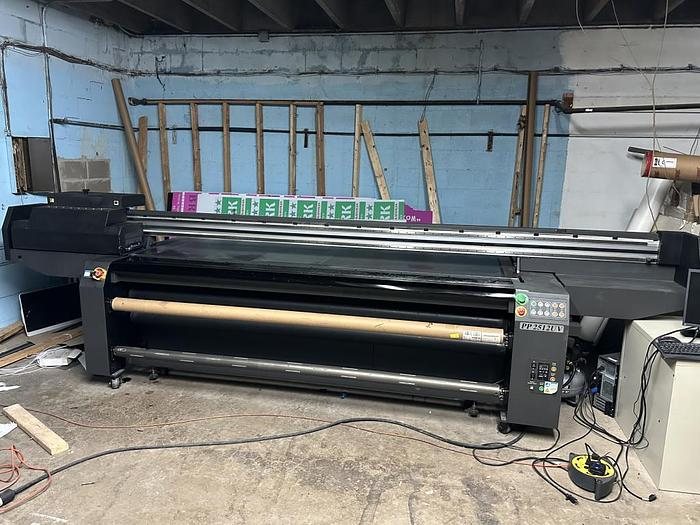 Large Format Printer
Flora PP2512UV
Direct print onto flat stock materials.
Open page →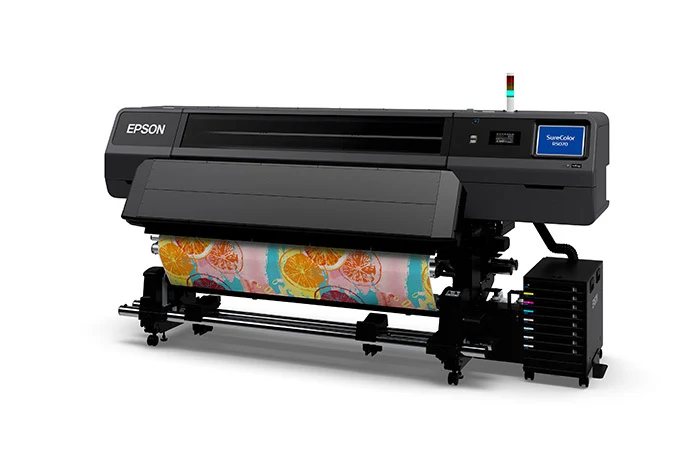 Large Format Printer
Epson SureColor R5070
Direct print onto roll materials.
Open page →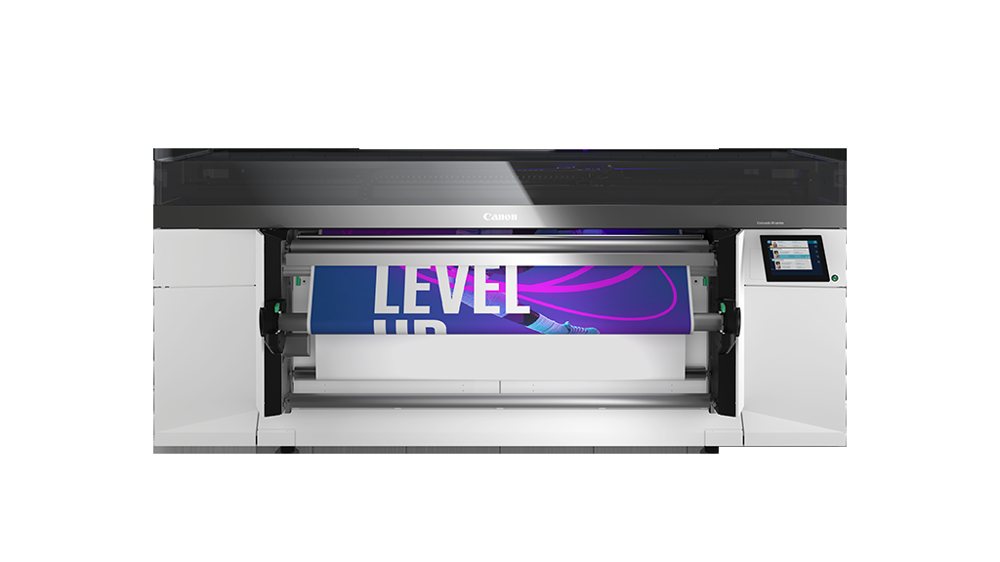 Large Format Printer
Canon M-Series
Direct print onto roll materials.
Open page →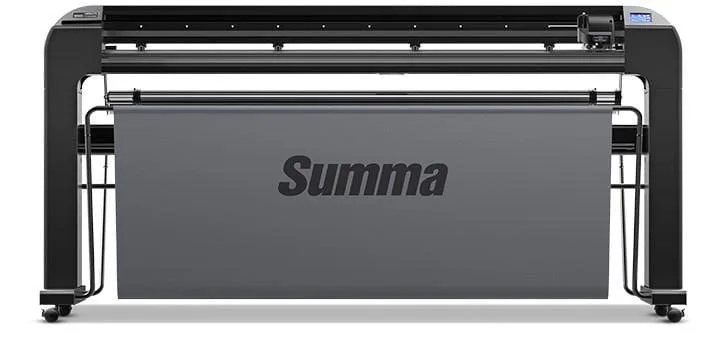 Cutter / Engraver / Plotter
Summa S2 Class 160 T Plotter
Cutting vinyl while leaving the backing paper.
Open page →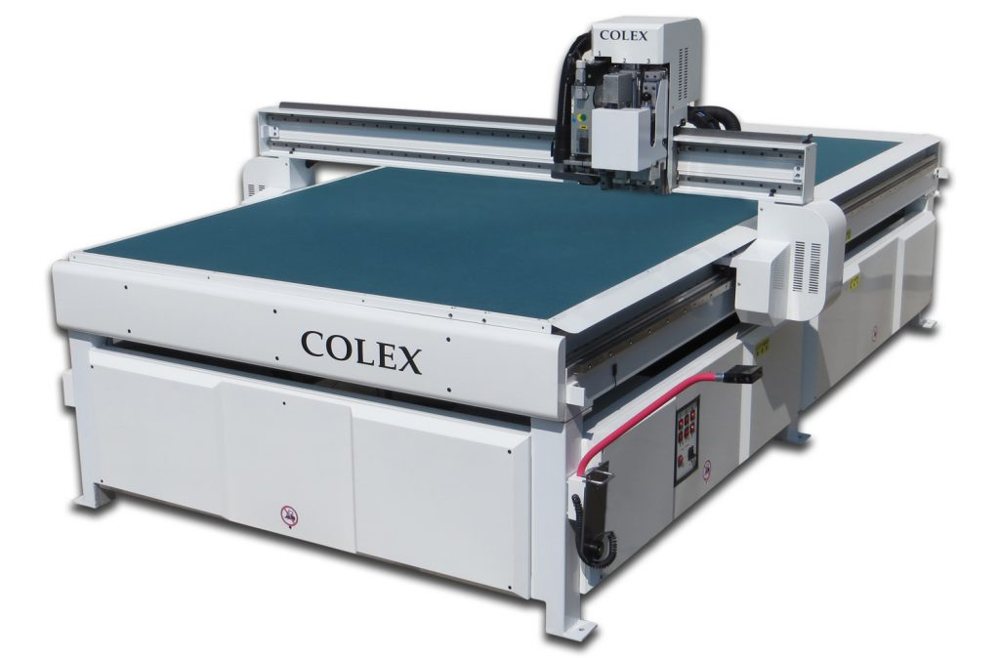 Cutter / Engraver / Plotter
Colex FBCJ510
Cutting and engraving machine used on flat stock materials only.
Open page →